Create your account
Before you start
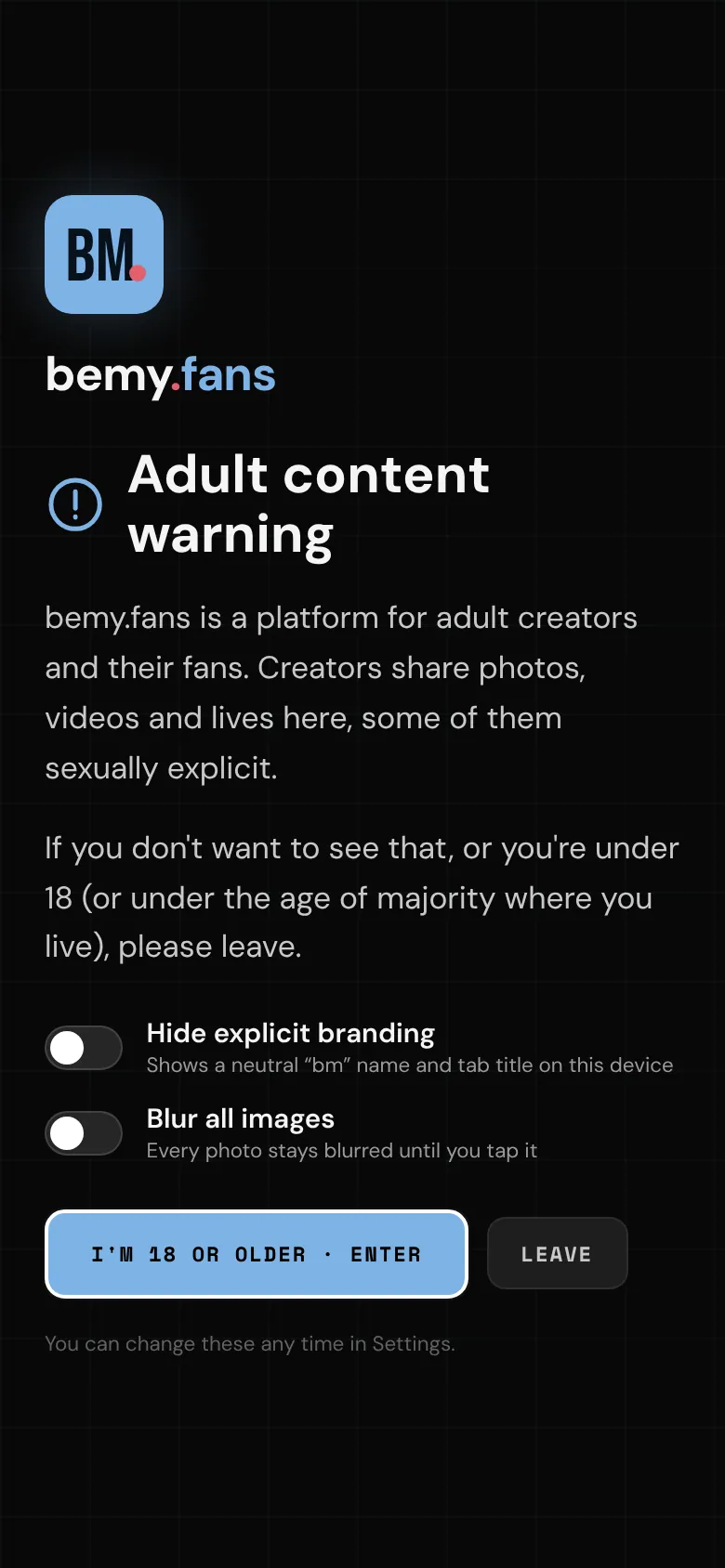
bemy.fans is for adults only. The first time you visit, you'll see an Adult content warning. Before you go in, you can switch on two options for that device:
- Hide explicit branding: shows a neutral "bm" name and tab title instead of bemy.fans.
- Blur all images: every photo stays blurred until you tap it.
Tap I'm 18 or older · Enter to continue, or Leave. Your choices are remembered on that device, and you can change them any time in Settings → This device.
Sign up
- On bemy.fans, tap Join free.
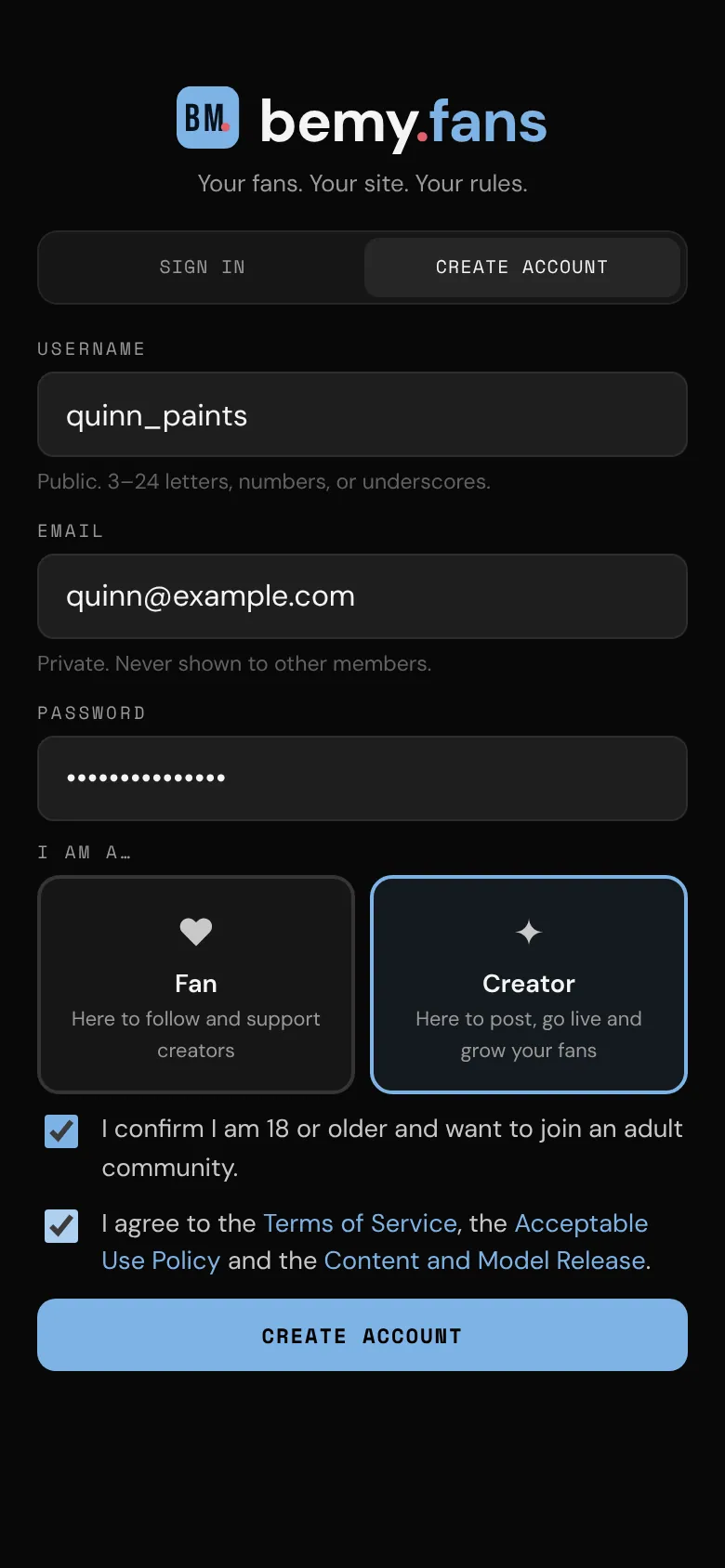
- Choose a Username. It's public: 3–24 letters, numbers or underscores. It can't be changed later, so pick one you're happy to keep.
- Enter your Email. It's private and never shown to other members.
- Choose a Password of at least 8 characters.
- Under I am a…, choose:
- Fan: here to follow and support creators.
- Creator: here to post, go live and grow your fans.
- Tick I confirm I am 18 or older and want to join an adult community.
- Tick I agree to the Terms of Service, the Acceptable Use Policy and the Content and Model Release. Each name opens the document in a new tab. See Terms and policies.
- Tap Create account.
If someone invited you, you'll see "@alex invited you to bemy.fans" (with their name) at the top of the form. They get an alert when you join.
Creator or fan?
- Fan: follow creators, watch their lives, react, comment and message them. Fans don't post. Fan is chosen to start with.
- Creator: everything a fan can do, plus posting (photos, polls and full-length videos), going live, hosting events and starting group chats. Your profile says ✦ Creator, and once your email is confirmed and your ID is verified you're listed in Browse creators.
Not sure? Pick either one. You can switch any time in Settings → Account type, and it's free. See Creator or fan?.
What happens next
- bemy.fans emails you a link and a 6-digit code to confirm your address. See Confirm your email.
- The setup guide opens to help with your profile, notifications and the app. You can skip it. See The setup guide.
- The first 100 members get a numbered Founding Member badge and the Plus plan free. See Plans and badges.
Signing in
Tap Sign in, then enter your Username or email and Password. Forgot your password? Tap Forgot password? and see Forgot your password?.