Creator or fan?
Every bemy.fans account is a creator account or a fan account. You choose when you sign up, and you can switch whenever you like. Switching is free, it happens straight away, and you can always switch back.
In short: creators post, go live, host events and start group chats. Fans follow creators, watch, react, comment and message them.
What fans can do
Fans follow the creators they love and join in. As a fan you can:
- follow creators, and see their posts in the feed;
- react to creators' posts, comment on them and vote in their polls;
- message creators, and call them;
- watch lives, chat in them, and come on camera when a host invites you;
- say you're going to events.
Fans don't post. There's no box to write a post and no New post button for fans. A fan's profile is simple: their picture, name, bio and links, with ♥ Fan, and no posts or photos. Nobody can follow a fan, and fans message creators, not other fans. See Your profile and Private messages.
What creators can do
Creators can do everything fans can, plus:
- post in the feed: text, photos, polls and full-length videos;
- add photos to their profile;
- be followed, and see who follows them;
- go live, for their followers, for everyone on bemy.fans, or only for people with the link;
- record a live and post the recording afterwards;
- host events, live or in person;
- start group chats;
- message fans as well as creators;
- share their posts to X and Bluesky.
If you're a fan and you open Go live, you'll see Going live is for creators, with an Open Settings button to switch. Hosting an event works the same way: see Host an event.
Creators also stand out:
- Your profile says ✦ Creator and Creating since the month you started. A fan's profile says ♥ Fan and when they joined.
- A ✦ shows before your @username on your posts.
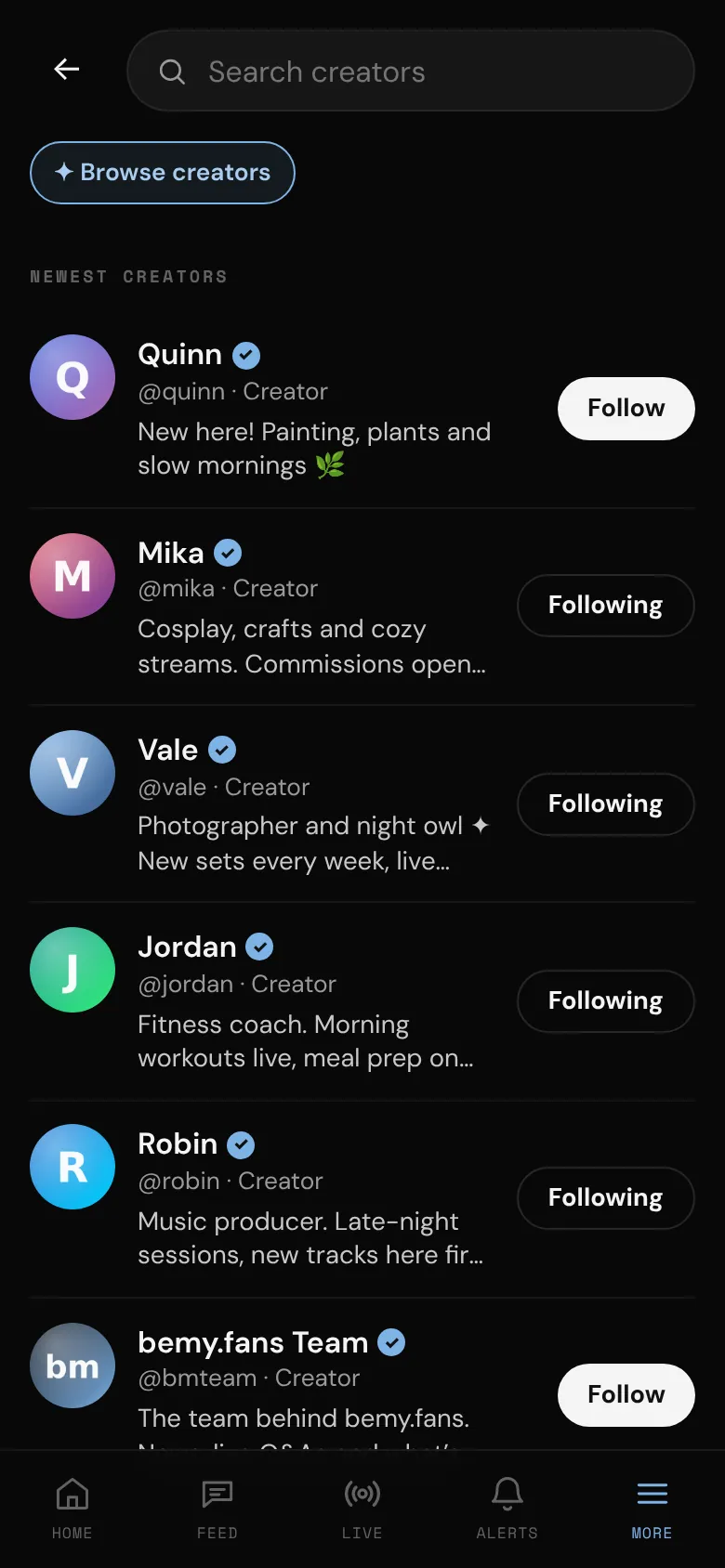
- You're listed in Search → Browse creators, newest first, and fans may see you in New creators. This starts once your email is confirmed and your ID is verified. See Confirm your email and Verify your ID.
- Your Home has quick buttons to Go live, open the Creator Studio, write a New post, open Events and My videos, and View my profile. A fan's Home has Find creators, Live now and Events.
Ways for fans to pay creators (tokens, tips, paid posts and subscriptions) are coming. They'll come with their own creator terms, which creators will be asked to accept first.
Switch your account type
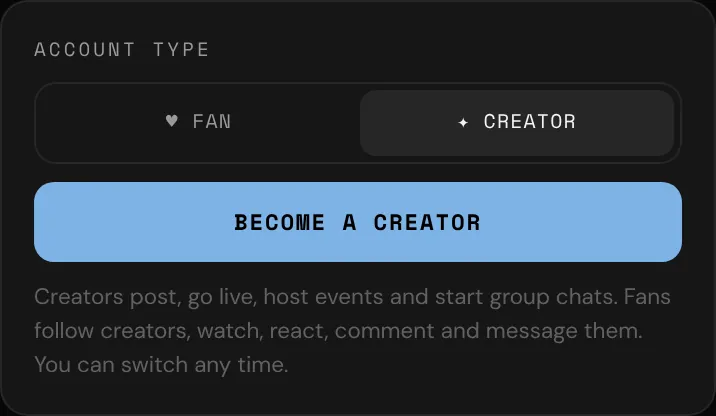
- Go to Settings and find Account type.
- Tap ✦ Creator or ♥ Fan.
- Tap Become a creator or Switch to a fan account.
You'll see You’re a creator now (or Account type updated), and the change applies everywhere straight away.
If you're a creator, tapping ♥ Fan shows a warning first: "As a fan you can't post, go live or host events, and your posts, photos and videos are hidden from everyone until you switch back. Nothing is deleted."
What stays the same
Switching only changes what kind of account you have. Nothing is deleted. You keep your username, profile, posts, photos and videos, your followers and the creators you follow, your messages, achievements, plan and badges. If you switch back to a creator later, your profile keeps the month you first became one.
While you're a fan, your posts, profile photos and videos are hidden from everyone. They come back as soon as you switch back to a creator. A few other things change while you're a fan:
- A group chat needs a creator in it. If you're the only creator in a group, it becomes read-only while you're a fan. See Group chats.
- An event you hosted can still be cancelled, but not changed. See Host an event.
- Videos waiting in My videos can't be posted until you switch back.