Following and followers
Following is how fans keep up with the creators they like, and how creators build their audience on bemy.fans.
Only creators can be followed. Anyone can follow creators, fans and creators alike, but nobody can follow a fan, because fans don't post.
Follow a creator
Tap Follow on their profile, in search results, in ✦ Browse creators, or in Suggested for you. On a wide computer screen you can also tap Follow in Creators to follow, on the right.
Follow buttons only show on creators. Following a fan isn't possible: bemy.fans says "You can follow creators. @alex is a fan."
The button changes to Following (on a profile, Following ✓). They get a notification that you started following them.
Looking for creators? Tap Find creators on Home, or see Search and suggestions.
Unfollow
Tap Following (or Following ✓) again. It happens straight away, and they aren't told.
What following changes
When you follow a creator:
- Their posts show up in the Following tab of the feed.
- You can see their Followers only posts, and vote in polls in them.
- You see their activity posts (achievements, lives and events) if they share them with followers. That's the default.
- You get a notification when they go live, and you can watch lives they open to My followers. See Watch a live.
- Their messages to you go straight to your chats instead of your message requests.
Following is one-way: if you're a creator, a creator you follow doesn't see your Followers only posts unless they follow you too.
Two creators who follow each other are mutuals. Mutuals can always message each other. To let only mutuals call you, choose Only mutuals under Calls in Settings. As a fan, you can choose Only creators I follow there instead. See Voice and video calls.
For creators: your followers
Your followers are your fans on bemy.fans. They see your Followers only posts, hear when you go live, and can watch your followers-only lives.
Who follows you is private: only you can see your followers list. Other members see how many followers you have.
Your first follower, and 10, 100 and 1,000 followers, each earn an achievement: First follower, Getting noticed, Rising and Headliner. See Achievements.
See followers and following
On a creator's profile you'll find Following and Followers under the bio and links.
- Following: tap it to see the creators they follow. The creators a creator follows are public.
- Followers: everyone sees the count, but only the creator can open the list. Anyone else sees "Only @vale can see who follows them".
On your own fan profile, Creators you follow shows how many creators you follow. Tap it to see them. Only you can see that list.
In a list:
- Newest come first. Tap Load more to see more.
- Follows you marks people who follow you.
- You can follow or unfollow creators straight from the list.
Remove a follower
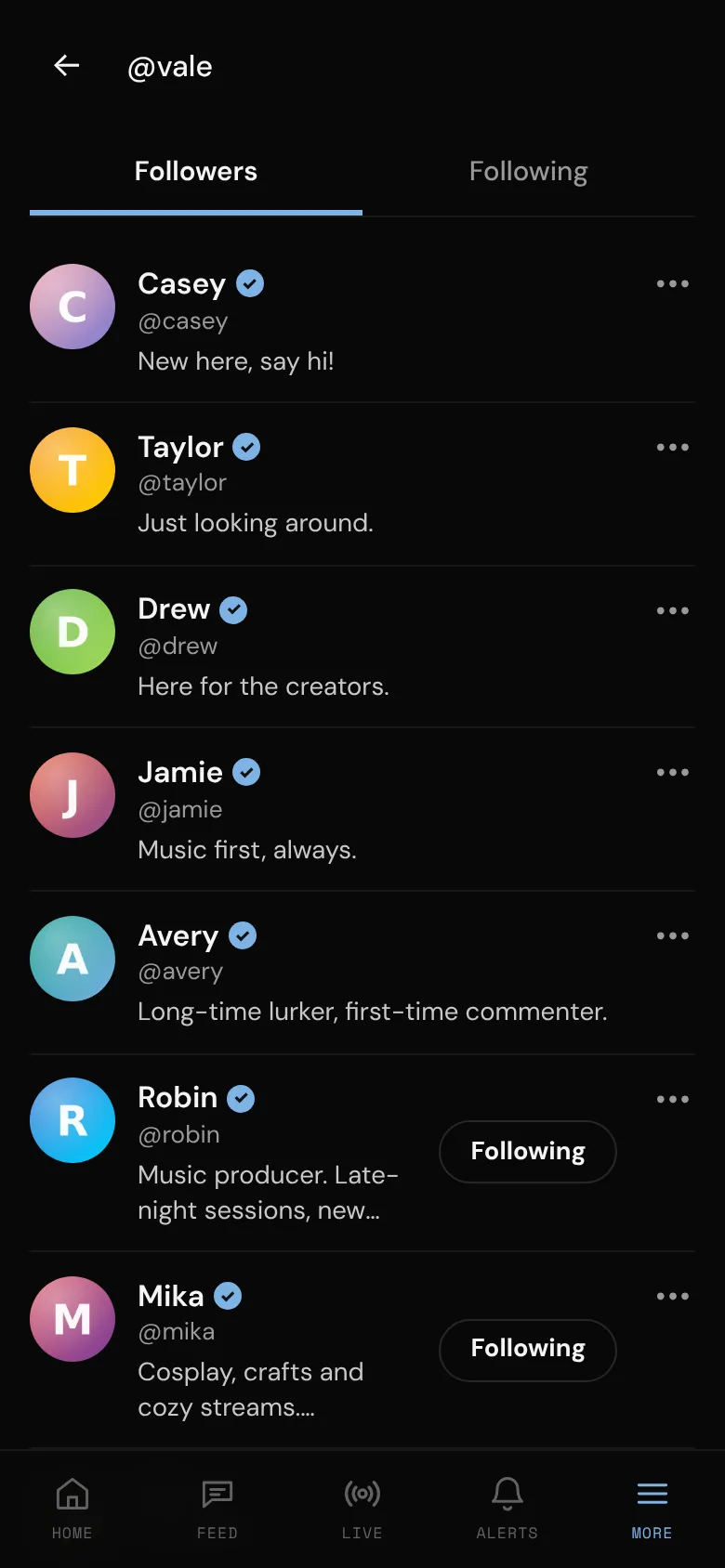
- Open your profile and tap Followers.
- Tap ••• next to the person.
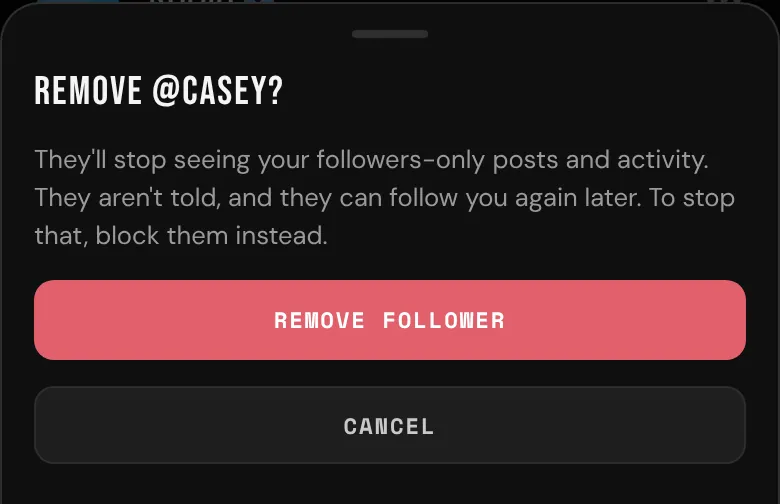
- Tap Remove follower.
They stop seeing your followers-only posts and activity. They aren't told, and they can follow you again later. To stop that, block them instead: blocking removes follows in both directions. See Block and report.