Start here as a creator
Welcome to bemy.fans. Here's how to get your page ready and start bringing your fans in. Each step links to a full guide.
Become a creator
If you chose Creator when you signed up, you're all set. If not, open Settings, go to Account type, tap ✦ Creator, then tap Become a creator. You can switch back to a fan account any time.
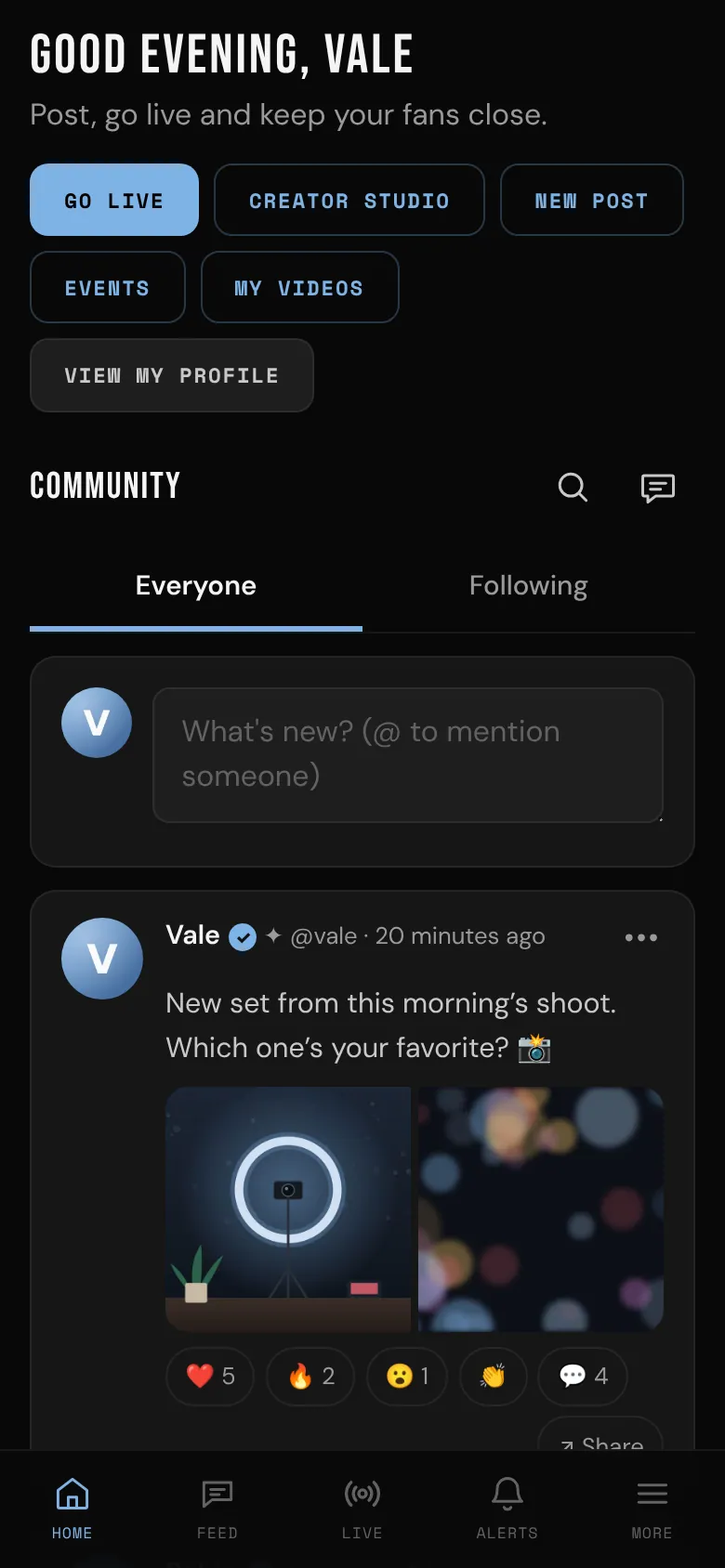
Your Home now has quick buttons: Go live, Creator Studio, New post, Events, My videos and View my profile.
1. Set up your profile and links
Your profile is the first thing new fans see.
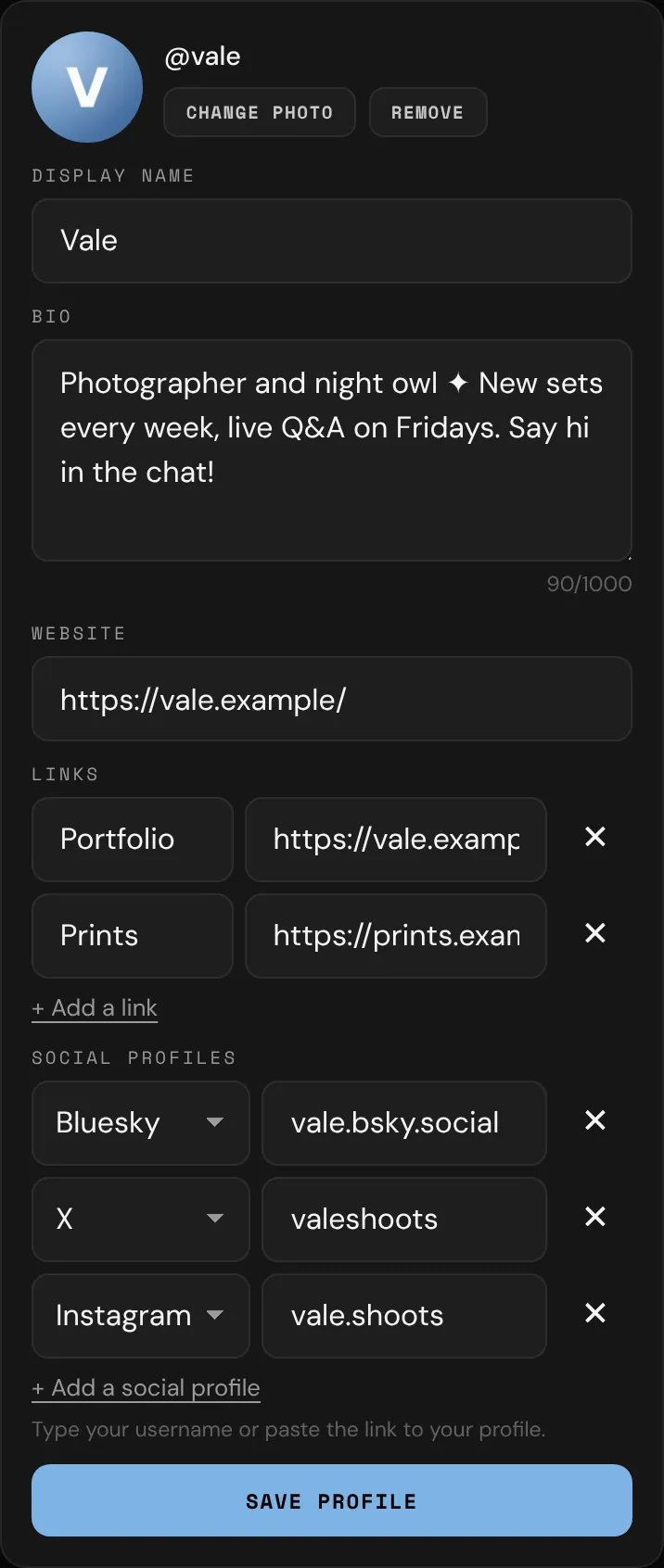
- Open your profile and tap Edit profile.
- Add a profile photo and a display name.
- Write a bio: what you make, when you go live, and what fans get for following you.
- Add your website, up to 5 more links, and your social profiles, like X, Instagram, TikTok and OnlyFans.
- Tap Save profile.
Then add your best photos to the Photos tab on your profile. See Your profile.
2. Verify your ID
You need a verified ID to go live, record your lives, post videos, start group chats, host events and share photos to X and Bluesky. It keeps bemy.fans adults-only, and you get a ✓ next to your name. See Verify your ID.
3. Make your first post
Posting is for creators: your fans see your posts in the feed, and react, comment and vote in your polls.
- Tap New post on Home.
- Write something, and add photos, a video or a poll if you like.
- Choose All members or Followers only, then tap Post.
Videos go out whole: record one in the app or choose one, up to 6 hours and 20 GB. If an upload stops part-way, choose the same video again and it carries on. Your first post earns the Hello, world achievement. See The feed and your posts and Post a video.
4. Go live
- Tap Go live on Home.
- Give your live a title.
- Choose who's told: My followers, Everyone on bemy.fans or Only people with the link.
- Go live. Your followers get a notification, and you can bring fans on camera with you.
See Go live.
Make your lives look like a show: in the Creator Studio (on your Home, or under More), set up scenes with your logo, a lower third with your name, a guest side by side, chat on screen or a Starting soon card, then switch between them while you're live. See Creator Studio.
5. Plan an event
Give your fans something to look forward to: an ask-me-anything live at a set time, or a meet and greet in your city.
- Tap Events on Home, then + Host an event.
- Choose 🔴 Live on bemy.fans or 📍 In person, fill in the details and tap Create event.
Your followers get a notification, and people who say they're going get reminders. See Host an event.
6. Share to X and Bluesky
- In Settings, connect your accounts under Sharing to X & Bluesky.
- Tap ↗ Share under one of your posts to tease it there.
You preview every share before it goes out. See Share to X and Bluesky.
7. Record and post your lives
- While you're the only one on camera, tap Record in your live, then ⏺ Start recording. With the Creator Studio on, it records what's on screen.
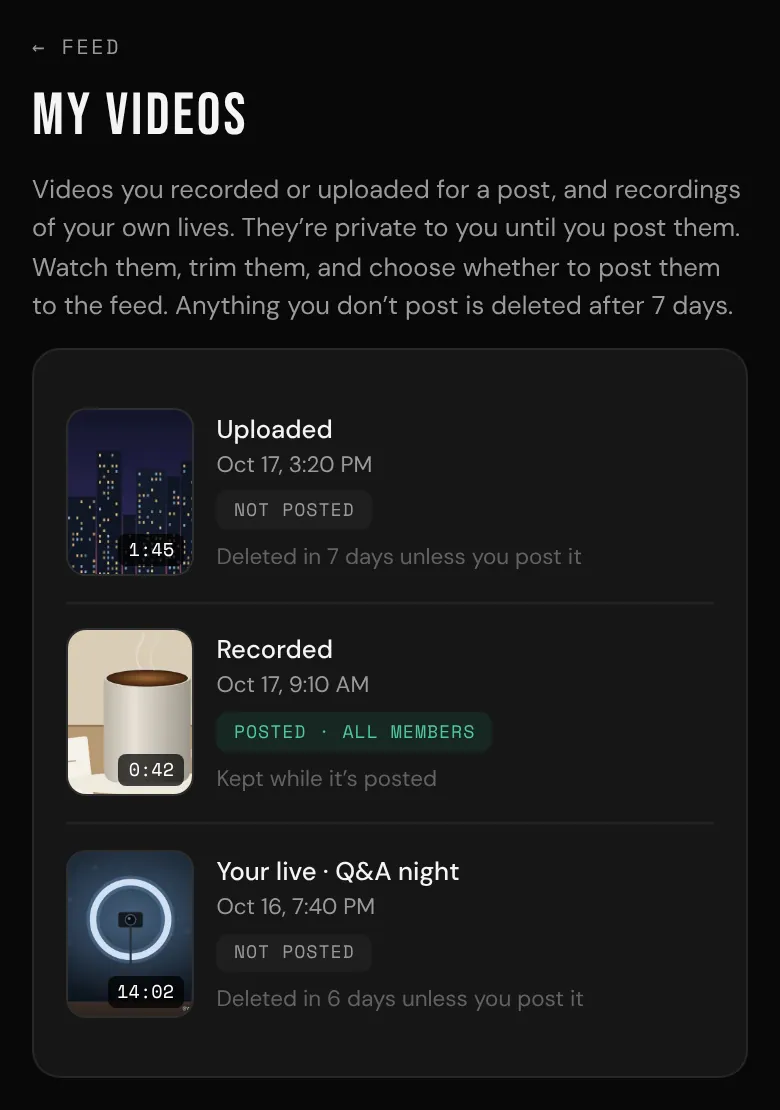
- Your recording is saved privately to My videos, with your @username stamped on it.
- Trim it and post it to the feed. Anything you don't post is deleted after 7 days.
See Record your live.
Good to know
- Anyone who appears with you in your posts or lives must be an adult who agreed to it. They verify their own ID on bemy.fans, or you keep their signed release and a copy of their ID. See the Content and Model Release.
- You can link your other sites on your profile. Don't ask members to pay you outside bemy.fans in messages, comments or lives. See the Acceptable Use Policy.
- New followers earn you achievements, from First follower to Headliner. Who follows you is private: only you see your followers list. See Achievements and Following and followers.
- Fans message you, and their first messages wait in your Requests until you accept. Video messages from fans are off until you turn on Fans can send me video messages in Settings, under Messages. See Private messages.
- You can start group chats with your fans. See Group chats.
Coming next (not available yet)
- Restreaming: send a safe-for-work cut of your Creator Studio live to the big platforms at the same time, to bring new fans in.
- Tokens and tips: tips and tip menus, pay-per-view posts and messages, and paid requests fans can send.
- Subscriptions: monthly memberships with tiers, so your best fans get your best work.
- Your own domain: your page at your own address, with the bemy.fans community one tap away.